
THE CREATIVE WORKFLOW / 001
One world.
Ten windows.
Panorama AI Break Down
A step by step guide to building a continuous panoramic scene, then bringing it to life with your characters.
ONE CONTINUOUS CANVAS10 × 9:16 PANELS
01 / THE FOUNDATION
Build your blank canvas.
Use the supplied prompt to generate your scene. Customize only the scenery section; the rest keeps the panorama connected and the panel dimensions consistent.
5760 × 1024Master panorama · 5.625:1
576 × 1024Each panel · 9:16
01–10Ordered left to right
Make the scene yours
EDITABLE SCENERYRead the complete prompt
02 / BRING IT TO LIFE
Place your characters.
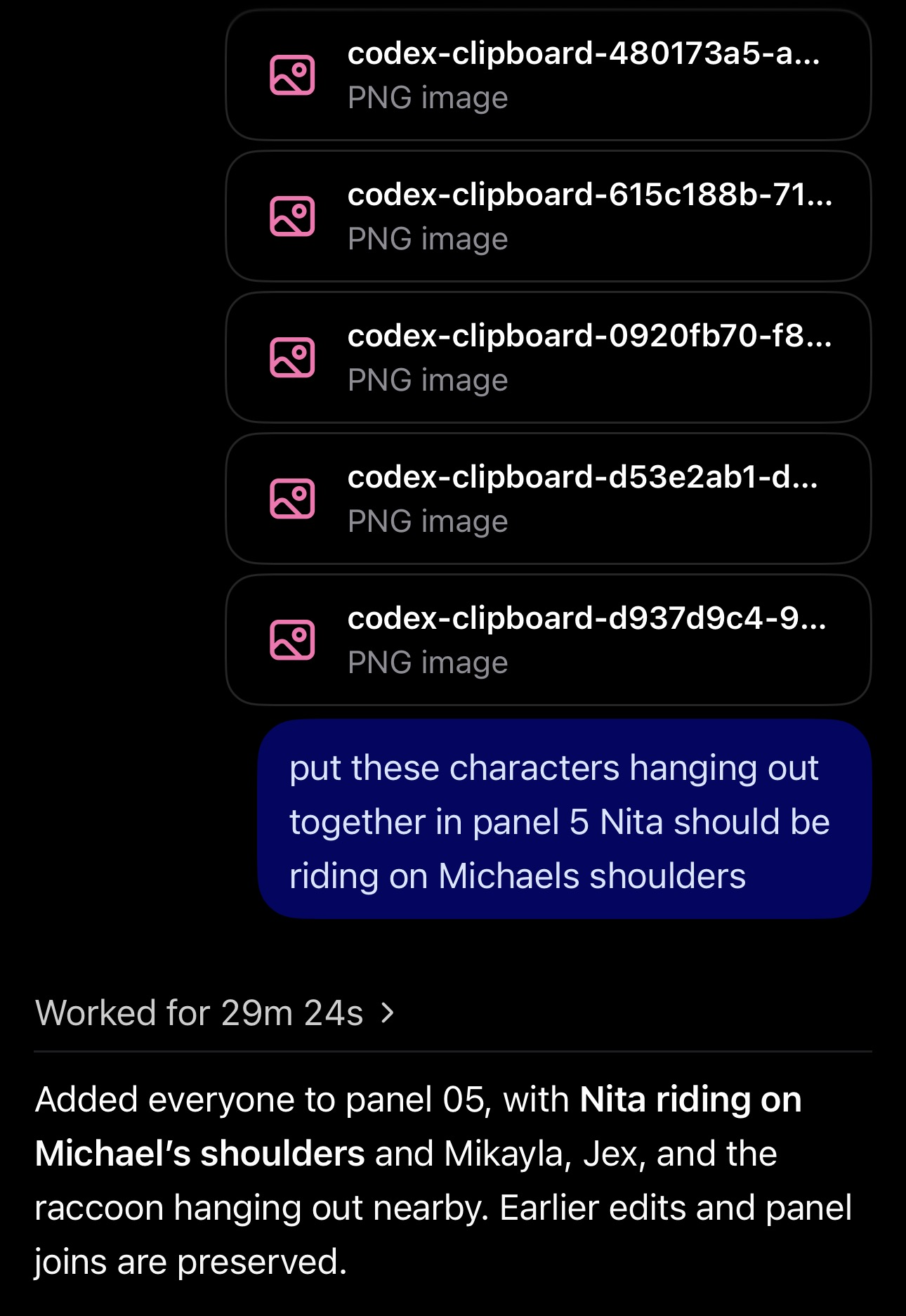
Once the blank canvas is complete, give ChatGPT the characters you want on slide 1. Specify where and how they should be placed.
Wait for ChatGPT to finish placing the characters before moving on.
03 / COMPLETE THE WORLD
Continue, panel by panel.
Repeat step two for slides 2 through 10. Work from left to right, finishing each slide before beginning the next.
Check the finished panorama
- Verify the actual exported pixel dimensions.
- Reassemble the ten panels to confirm no gaps, overlaps, or missing pixels.
- Inspect all nine panel boundaries and correct visible discontinuities.
- Deliver the master, ten PNG panels, and a ZIP containing all eleven images.